
Fault diagnosis
Identify symptoms and assess the likely cause before committing to a repair.
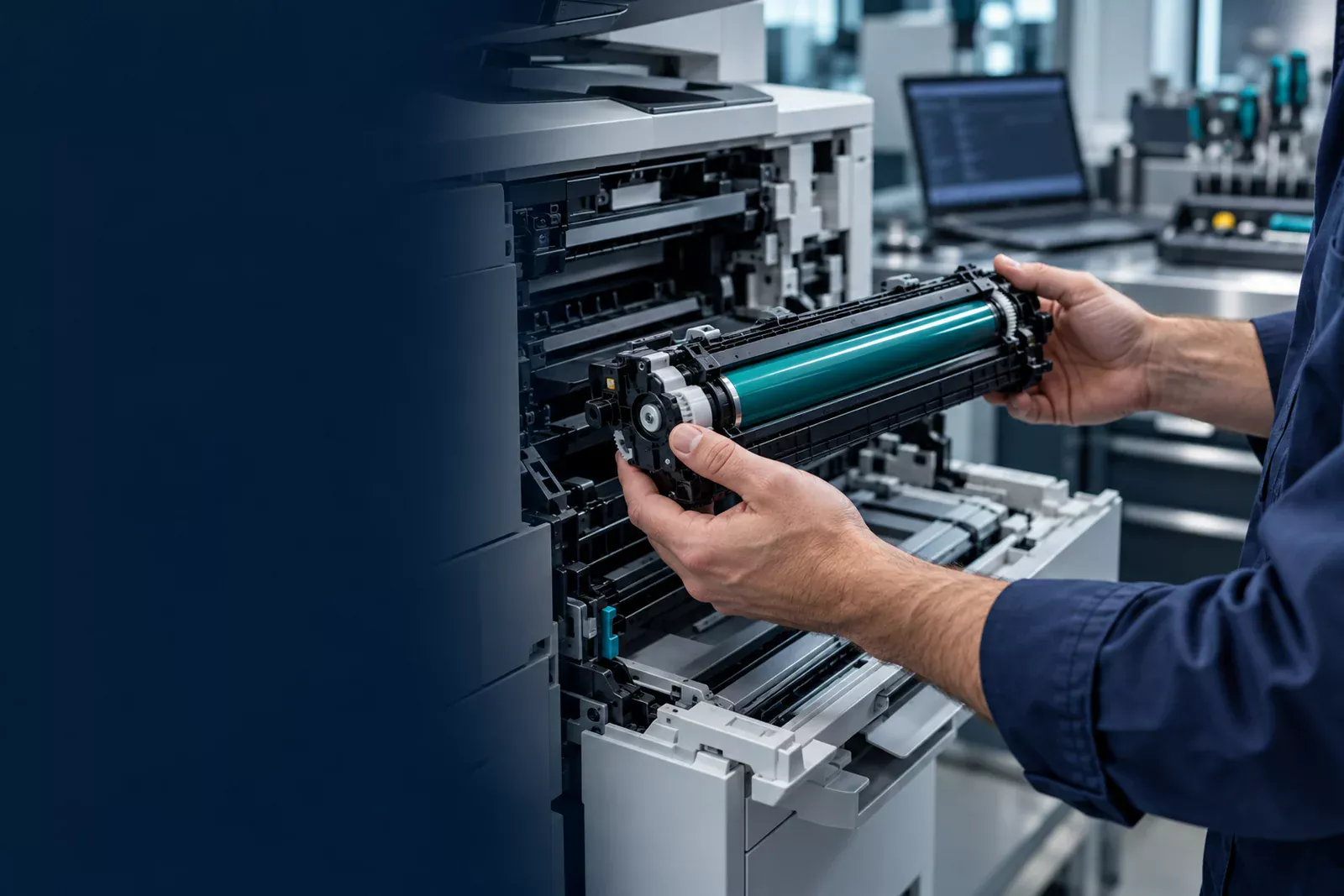
One-time repair
From paper jams and poor print quality to device faults and network printing issues: start with a diagnosis, then decide on the right repair.
PRINTER CARE, WITH PURPOSE
From paper jams and poor print quality to device faults and network printing issues: start with a diagnosis, then decide on the right repair.
Identify symptoms and assess the likely cause before committing to a repair.
Review the recommended work, required parts and quotation before proceeding.
Check output, paper handling and core functions, with findings documented for your team.
START WITH THE SYMPTOM
Choose a common issue to see what information helps us assess it. This is a request guide, not an automated diagnosis.
Share where the paper stops, the tray used and any displayed error. Do not force stuck paper or dismantle the device.
Request a repair assessment →Share a description or a non-confidential sample. Tell us whether the issue affects printing, copying or both.
Request a repair assessment →Tell us how the printer connects, the devices affected and when the issue started. Avoid sharing account passwords.
Request a repair assessment →Note the exact error code and model. If the device overheats, smells unusual or is physically damaged, stop using it and contact the team.
Request a repair assessment →CLEAR SCOPE. CLEAR NEXT STEPS.
We confirm the specific service and commercial details before the work begins.
CONTINUITY BY DESIGN
A connected service cycle, from the first symptom to the next preventive visit. Every step has a purpose.
01
Devices, sites, symptoms and operating needs.
02
A clear finding and a considered service recommendation.
03
Approved work, maintenance and appropriate supplies.
04
Recorded outcomes and the next care priorities.
MULTI-BRAND PRINTER CARE · TELL US YOUR MAKE & MODEL






Brand marks identify printer manufacturers. Service and supplies are subject to model assessment and availability.
DEVICE ENVIRONMENTS
Suitability is confirmed against the exact model, condition and service requirement.
Mono and colour office printers.
Print, copy and scan business systems.
Desktop and business inkjet devices.
Shared copying and document handling.
CLEAR ANSWERS
A few useful details about repairs, maintenance and supplies.
ContactYes. We undertake one-time printer repairs. Share the model, symptoms and location so we can assess the service requirement and provide a proposal.
Send us the brand and exact model. We handle enquiries for major printer brands; service suitability and parts availability are confirmed for each device.
Coverage is agreed for your business. The contract identifies covered devices and sites, preventive maintenance, service commitments, inclusions, exclusions and parts arrangements.
Yes. Enquire about toner, ink, drums, paper and maintenance parts. The product type, compatibility, quantity and availability are confirmed in the quotation.
Yes. Corporate support and fleet assessment can be scoped across business sites. Share the device count and locations so we can propose a suitable approach.
Use the service request form to prepare your details, then review and send them by email or WhatsApp to the NBS central team. Your request is confirmed by the team; this website does not create an ERP ticket automatically.
Novatta Print Care is a division of Novatta Business Services. Specialist printer care, connected to the wider Novatta business services family.
Discover NBS ↗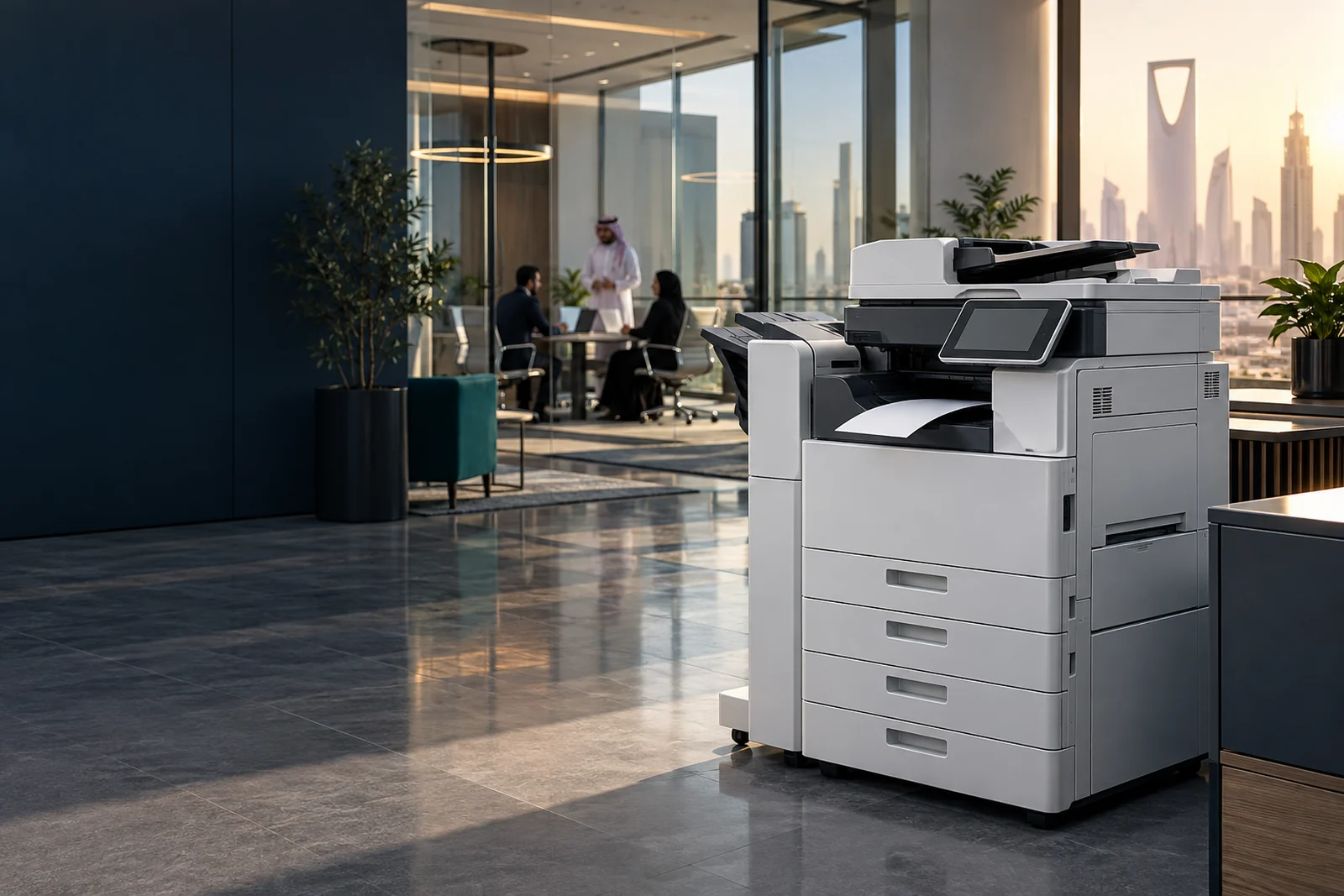
LET’S KEEP YOUR BUSINESS PRINTING
Tell us what you need. We’ll help you define the next step.